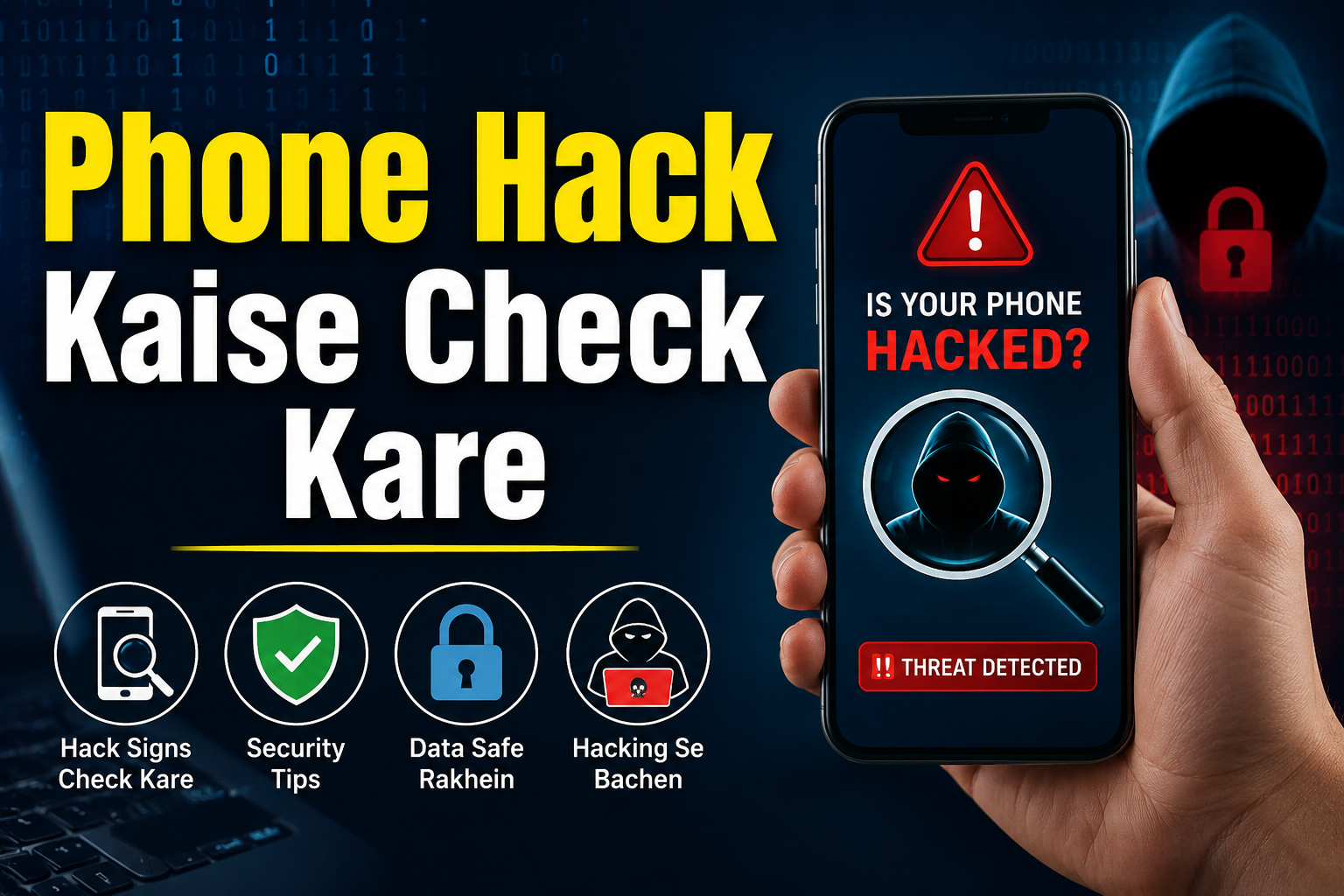
Aaj ke digital zamane me smartphone sirf calling ke liye nahi, balki banking, UPI payments, social media, emails aur personal photos store karne ke liye bhi use hota hai. Isi wajah se hackers ka target bhi smartphone users hi ban rahe hain. Agar aap soch rahe hain Phone Hack Kaise Check Kare, to sabse pehle panic karne ki zarurat nahi hai. Kuch simple checks ki madad se aap pata laga sakte hain ki phone safe hai ya nahi.
Is article me hum phone hacking ke common signs, checking methods aur security tips ke baare me detail me jaanenge.
🔔 Don't miss our latest updates!
Tap the bell icon at the top of this channel to turn on notifications.
Phone Hack Hone Ke Common Signs
Har slow phone hack nahi hota. Lekin agar niche diye gaye 2–3 signs ek saath dikh rahe hain, to phone ko check karna zaruri hai.
1. Battery Bahut Jaldi Khatam Hona
Agar pehle battery poora din chalti thi aur ab kuch hi ghanton me khatam ho rahi hai, to background me koi suspicious app chal sakti hai.
Tip: Settings → Battery → Battery Usage me jaakar dekhein kaunsi app sabse zyada battery use kar rahi hai.
2. Phone Ka Garam Rehna
Normal browsing ya WhatsApp use karte waqt bhi phone heat ho raha hai, to ye background activity ka sign ho sakta hai.
Halaanki gaming ya charging ke time phone garam hona normal hai.
3. Mobile Data Achanak Zyada Use Hona
Hack ki gayi apps background me data upload kar sakti hain. Agar bina wajah internet usage badh gaya hai, to Data Usage report check karein.
Android me:
Settings → Network & Internet → Data Usage
4. Unknown Apps Dikhna
Kabhi-kabhi malware fake app ke naam se install ho jata hai.
Agar app list me koi unknown application dikhe jise aapne install nahi kiya, to turant uske baare me check karein.
5. Ads Baar-Baar Aana
Agar home screen par ya browser band hone ke baad bhi ads pop-up ho rahe hain, to adware install ho sakta hai.
Ye bhi hacking ya malicious app ka signal ho sakta hai.
Phone Hack Kaise Check Kare? (Android)
Android users ye steps follow kar sakte hain.
Installed Apps Check Kare
Sabse pehle phone ki installed apps ki list dekhein.
Settings → Apps → See All Apps
Yahan dekhein:
- Unknown apps
- Recently installed apps
- Duplicate apps
- Fake cleaner ya booster apps
Agar koi app suspicious lage, to uska developer aur reviews check karein.
App Permissions Review Kare
Kai fake apps unnecessary permissions maangti hain.
Check karein:
- Camera
- Microphone
- Contacts
- SMS
- Accessibility
- Location
Agar calculator app microphone access maang rahi hai, to ye unusual baat hai.
Accessibility Permission Check Kare
Accessibility permission bahut powerful hoti hai.
Settings → Accessibility
Sirf trusted apps hi enabled honi chahiye.
Unknown app ko immediately disable kar dein.
Google Play Protect Scan Chalaye
Google Play Protect automatically harmful apps detect karta hai.
Open karein:
Google Play Store → Profile → Play Protect → Scan
Agar koi harmful app mile, to use uninstall kar dein.
iPhone Me Phone Hack Kaise Check Kare?
Apple devices generally secure hote hain. Fir bhi kuch checks karna zaruri hai.
Privacy Settings Check Kare
Open karein:
Settings → Privacy & Security
Review karein:
- Camera
- Microphone
- Photos
- Location
Sirf trusted apps ko hi permissions milni chahiye.
Unknown Configuration Profiles Check Kare
Kabhi-kabhi fake profiles install ho jaati hain.
Path:
Settings → General → VPN & Device Management
Agar unknown profile dikhe, to verify karein ya remove kar dein.
iPhone Update Rakhein
Apple regular security updates release karta hai.
Settings → General → Software Update
Latest version install karna security ke liye important hai.
Phone Hack Hone Se Kaise Bachen?
Phone ko secure rakhna hacking detect karne se bhi zyada important hai.
Sirf Official App Store Se Apps Install Kare
APK files ya unknown websites se apps download na karein.
Hamesha:
- Google Play Store
- Apple App Store
ka hi use karein.
Strong Screen Lock Lagaye
PIN, Password ya Biometric lock use karein.
Simple patterns avoid karein.
Two-Factor Authentication Enable Kare
Google, Facebook, Instagram aur banking apps me 2-Step Verification enable karein.
Isse account ki security kaafi badh jaati hai.
Phone Hack Hone Ke Baad Kya Kare?
Agar aapko lagta hai ki phone hack ho gaya hai, to ghabrane ki zarurat nahi hai. Neeche diye gaye steps follow karke aap apna phone aur personal data secure kar sakte hain.
1. Internet Off Kare
Sabse pehle mobile data aur Wi-Fi ko temporarily band kar dein. Isse hacker ka connection toot sakta hai aur data leak hone ka risk kam ho jata hai.
2. Suspicious Apps Uninstall Kare
Settings → Apps me jaakar unknown ya recently installed apps ko check karein.
Agar koi app fake ya unnecessary lage, to use turant uninstall kar dein.
3. Sabhi Password Change Kare
Phone secure karne ke baad sabse pehle in accounts ke passwords change karein:
- Gmail
- Banking Apps
- UPI Apps
- X (Twitter)
Har account ke liye alag aur strong password rakhein.
4. Banking Apps Check Kare
Agar phone me banking apps installed hain, to recent transactions zarur check karein.
Agar koi unauthorized transaction dikhe, to turant bank customer care se contact karein aur zarurat pade to card block karwa dein.
5. Antivirus Ya Security Scan Chalaye
Android users Google Play Protect se phone scan kar sakte hain.
Agar trusted mobile security app use karte hain, to full device scan bhi karein.
6. Phone Update Kare
Purane software me security vulnerabilities ho sakti hain.
Isliye latest Android Security Patch ya iOS Update install karna bahut zaruri hai.
Phone Security Checklist
| Check | Kya Karna Hai |
|---|---|
| Unknown Apps | Uninstall karein |
| Battery Usage | Suspicious apps identify karein |
| Data Usage | Extra internet use check karein |
| App Permissions | Camera, Microphone, SMS review karein |
| Accessibility | Unknown apps disable karein |
| Software Update | Latest version install karein |
| 2-Step Verification | Sabhi important accounts me enable karein |
Phone Hack Se Bachne Ke Best Tips
Fake APK Download Na Kare
Free premium apps ya mod APK files install karne se malware aa sakta hai.
Unknown Links Par Click Na Kare
SMS, WhatsApp ya Email me aaye unknown links par click karne se pehle sender verify karein.
Public Wi-Fi Ka Soch Samajhkar Use Kare
Free public Wi-Fi par banking ya sensitive login karne se bachein.
Agar zaruri ho, to trusted VPN ka use karein.
OTP Aur Screen Sharing Kabhi Share Na Kare
Bank, RBI ya koi bhi genuine company kabhi OTP, PIN ya screen sharing app install karne ke liye nahi kehti.
Apps Ko Regularly Review Kare
Har 1–2 mahine me installed apps aur permissions check karne ki habit banaein.
Phone Hacking Se Jude Kuch Myths
Myth 1: Slow Phone Matlab Hack Ho Gaya
Sach: Har slow phone hack nahi hota. Storage full hone, old battery ya heavy apps ki wajah se bhi phone slow ho sakta hai.
Myth 2: Sirf Android Phone Hack Hote Hain
Sach: Android aur iPhone dono target ban sakte hain. Difference sirf security architecture ka hota hai.
Myth 3: Antivirus Install Kar Liya To Phone Kabhi Hack Nahi Hoga
Sach: Antivirus madad karta hai, lekin safe browsing aur trusted apps install karna bhi utna hi zaruri hai.
FAQs
Kya Phone Hack Hone Par Photos Chori Ho Sakti Hain?
Haan. Agar malicious app ko storage permission mil jaye, to personal photos aur files access ki ja sakti hain.
Kya Factory Reset Karne Se Hack Remove Ho Jata Hai?
Aksar cases me factory reset malware ko remove kar deta hai. Lekin reset karne se pehle important data ka backup zarur lein.
Kya iPhone Bhi Hack Ho Sakta Hai?
Haan, lekin iPhone me security kaafi strong hoti hai. Phir bhi phishing attacks, fake profiles aur malicious websites se bachna zaruri hai.
Phone Hack Hone Ka Sabse Common Reason Kya Hai?
- Fake Apps
- Phishing Links
- Screen Sharing Scams
- Weak Passwords
- Outdated Software
Conclusion
Agar aap soch rahe the Phone Hack Kaise Check Kare, to ab aapko pata hai ki hacking ke signs kaise identify kiye jaate hain aur phone ko secure kaise rakha ja sakta hai. Sabse zaruri baat ye hai ki sirf trusted apps install karein, permissions ko regularly review karein aur phone ko hamesha updated rakhein. Thodi si savdhani aapki personal information aur banking details ko bade cyber attacks se bacha sakti hai.
Yeh Bhi Padhein
Official Outbound Links
- Google Play Protect: https://support.google.com/googleplay/answer/2812853
- Android Security Center: https://security.googleblog.com/
- Apple Privacy & Security: https://support.apple.com/privacy